


Bible Heroes Bucks
Cartoon Jesus, Moses, Noah, David, Esther and Daniel, with a Bible verse on every bill.
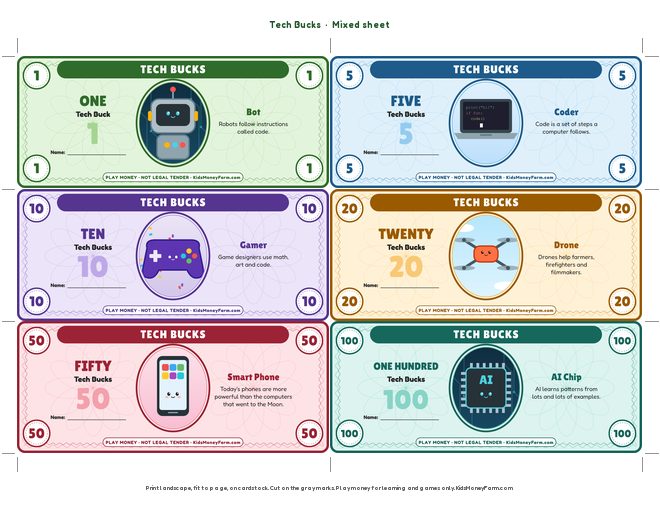
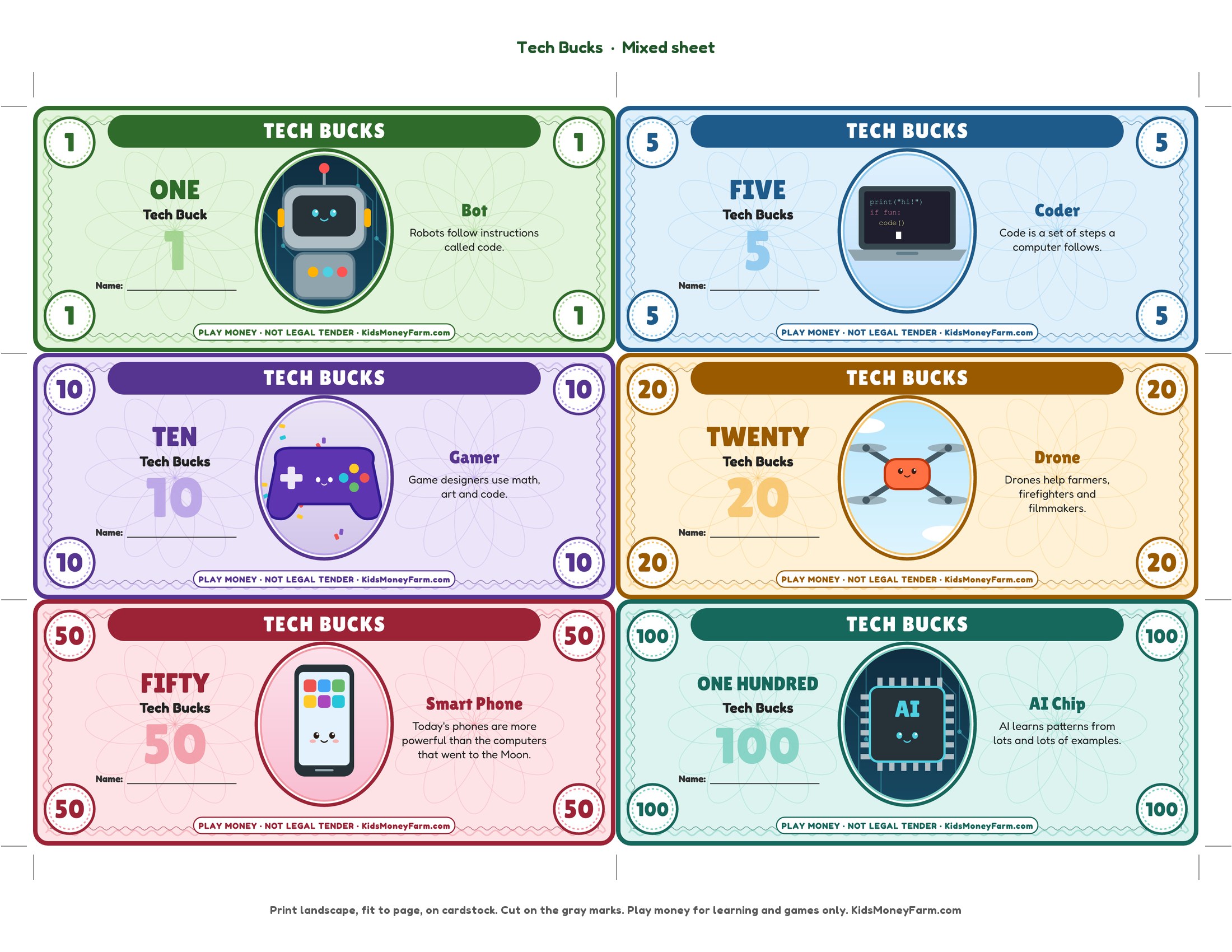
Robots, code, drones and AI. Each bill has a short, kid-friendly fact about how technology works.
Made for STEM classes, coding clubs, makerspaces and tech-loving kids at home.
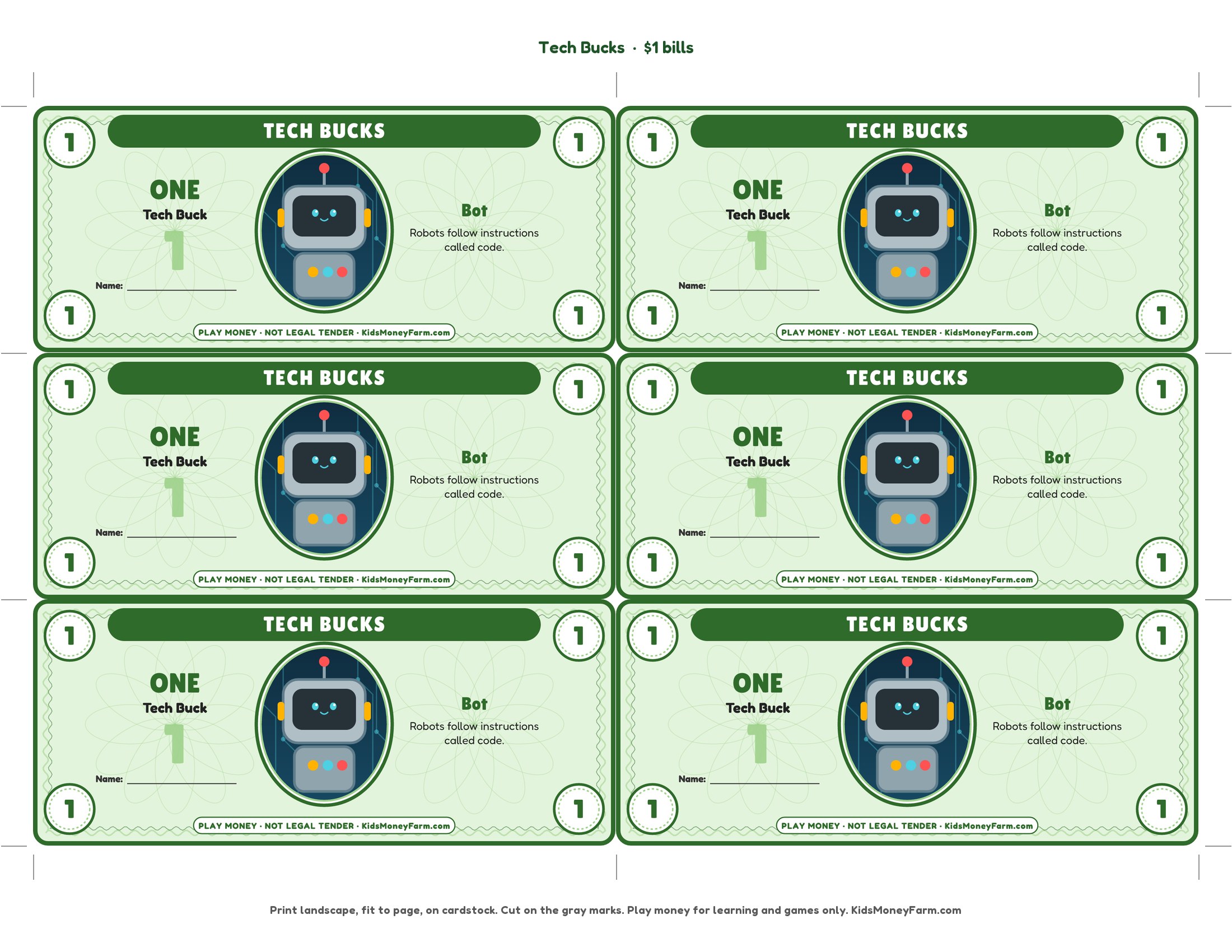
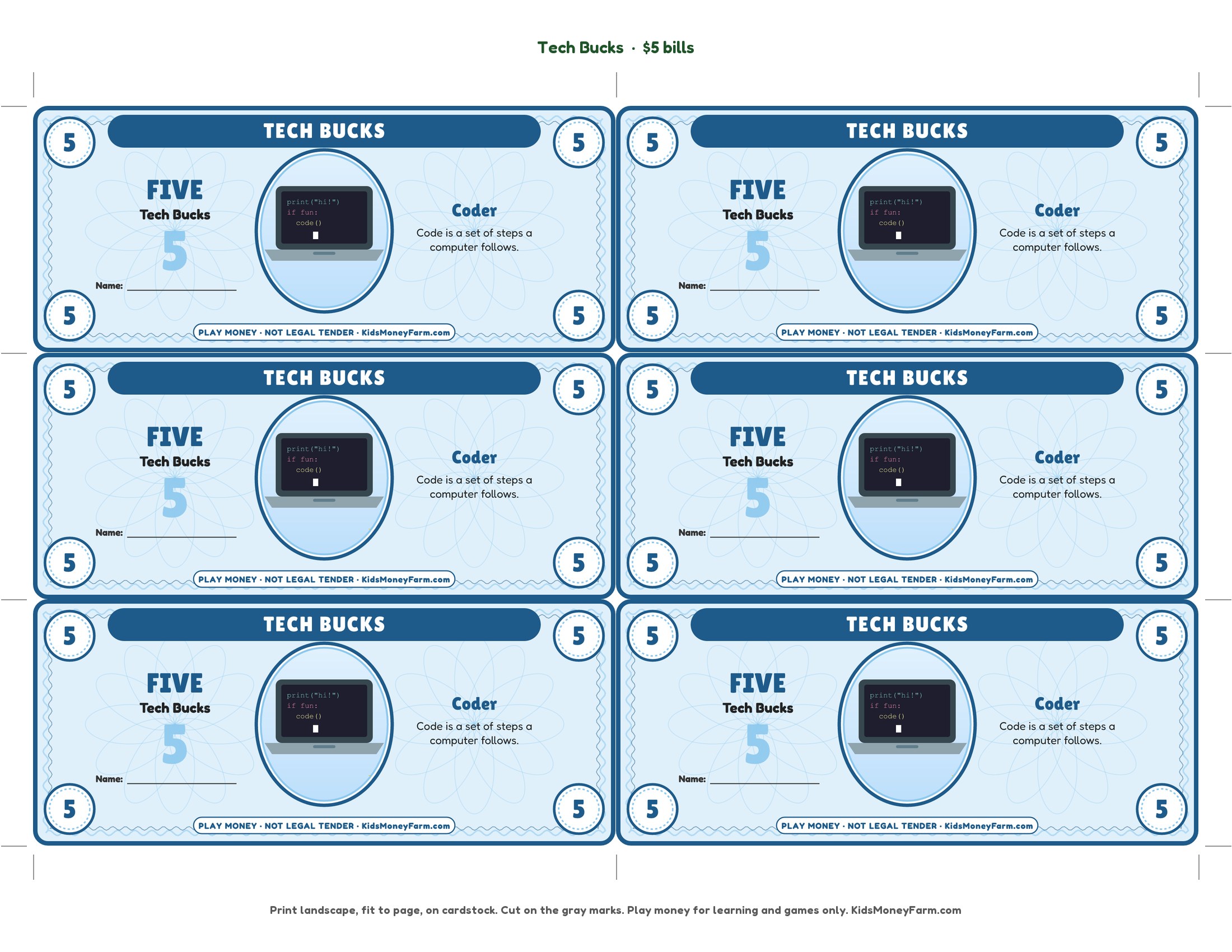
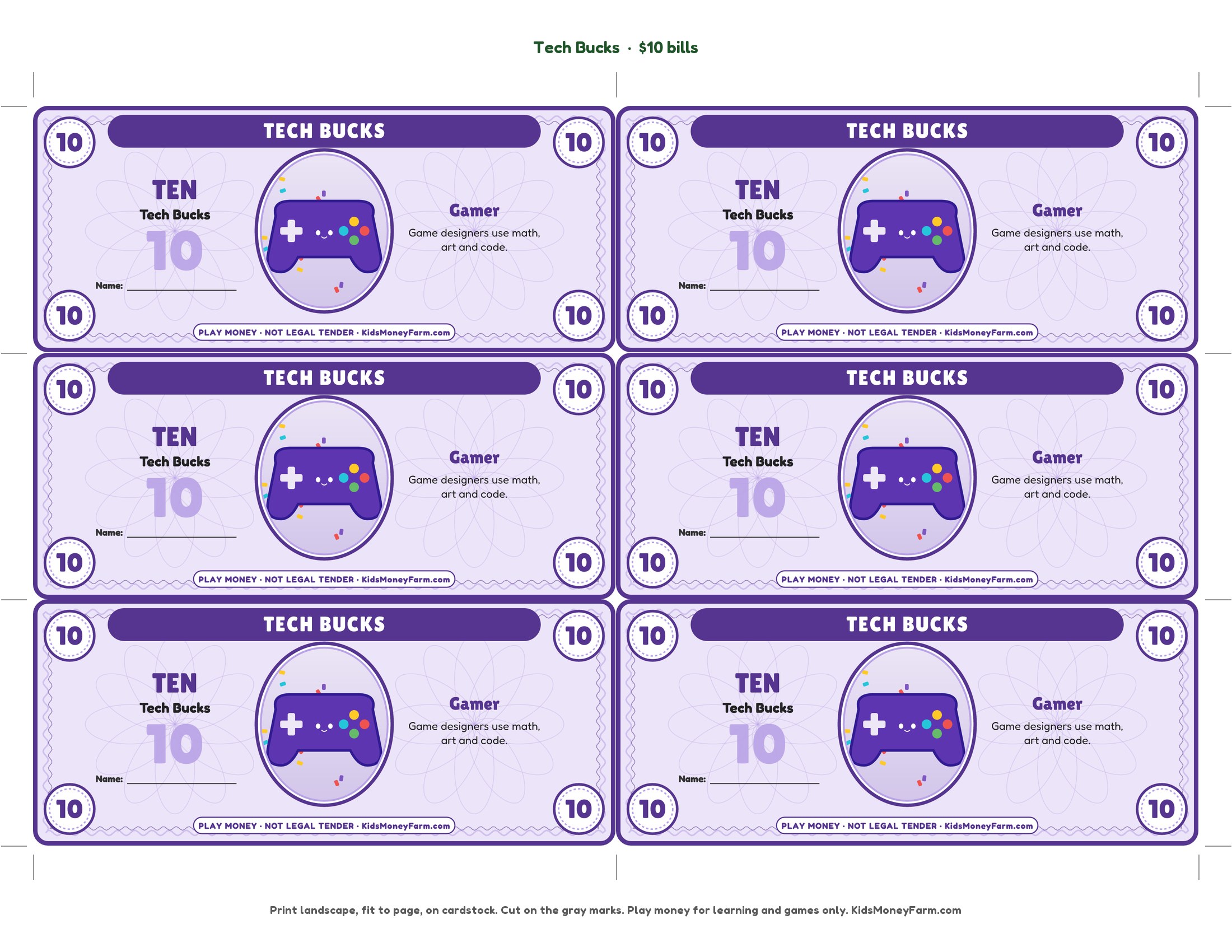
Real-money shape: each bill is 5.2 x 2.2 in (about 85% of a real dollar), 6 per landscape page, with shared cut lines.
One landscape page per bill value, in PDF or JPG. Need to save ink? Grab the black-and-white pack (all values in one PDF).
| Bill | Picture | Message |
|---|---|---|
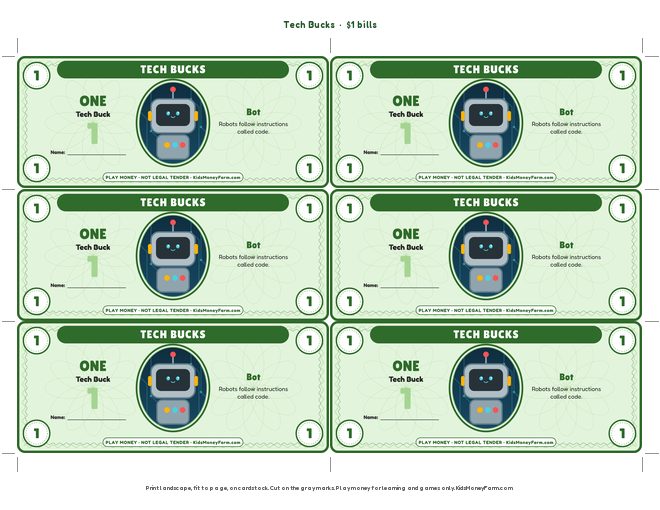
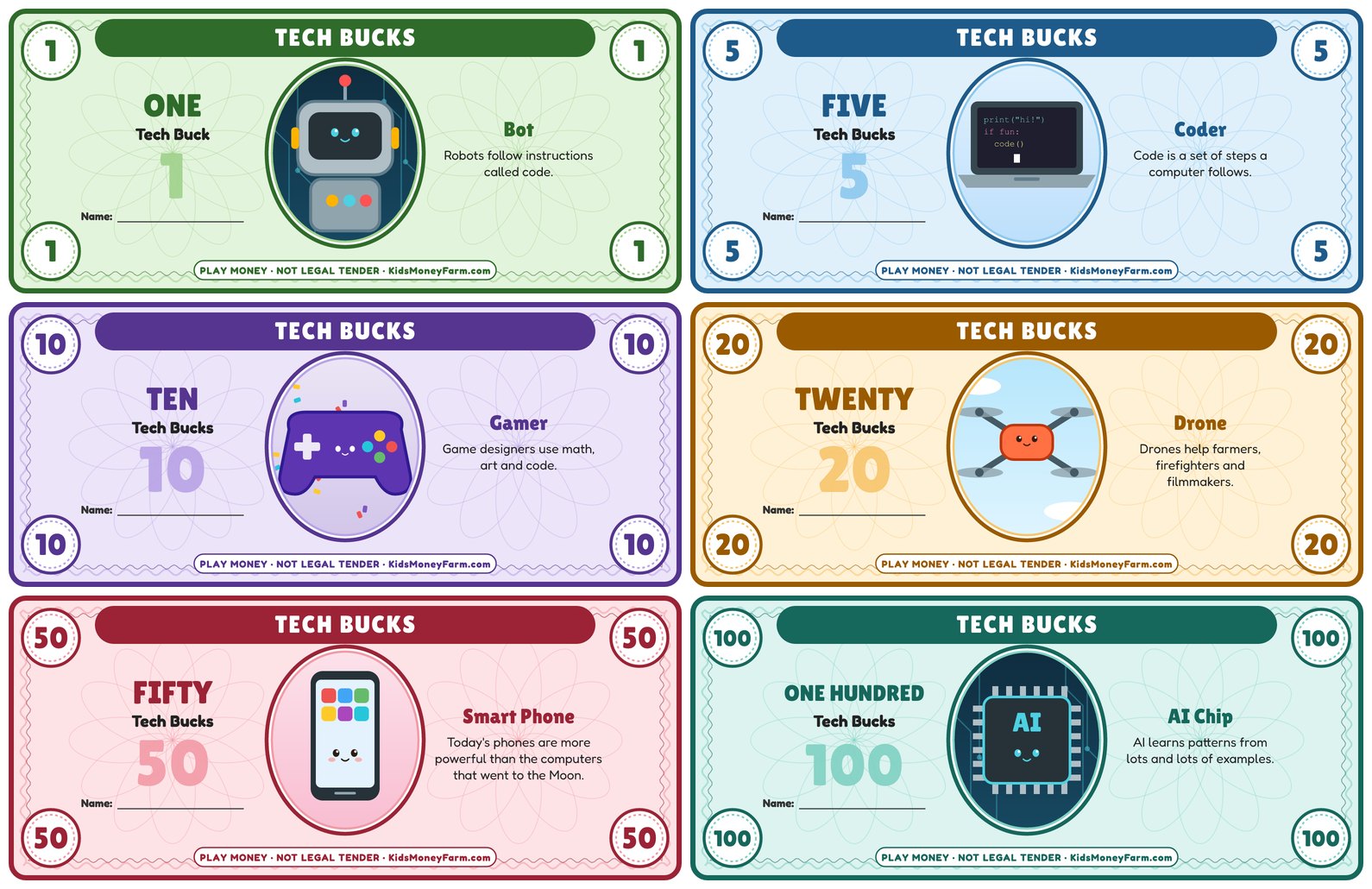
| $1 | Bot | Robots follow instructions called code. |
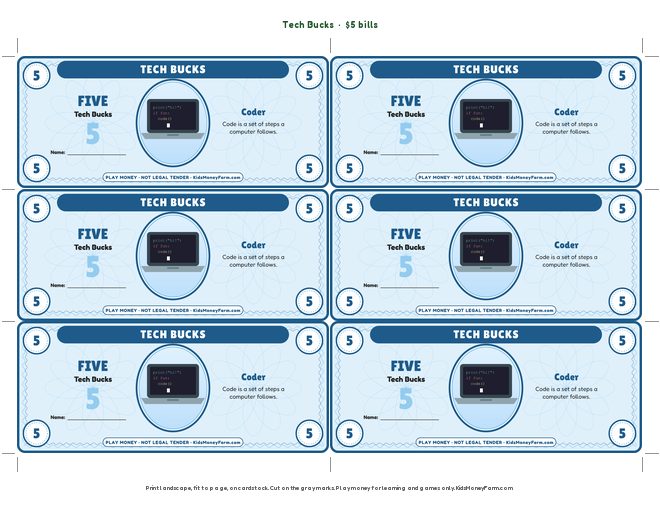
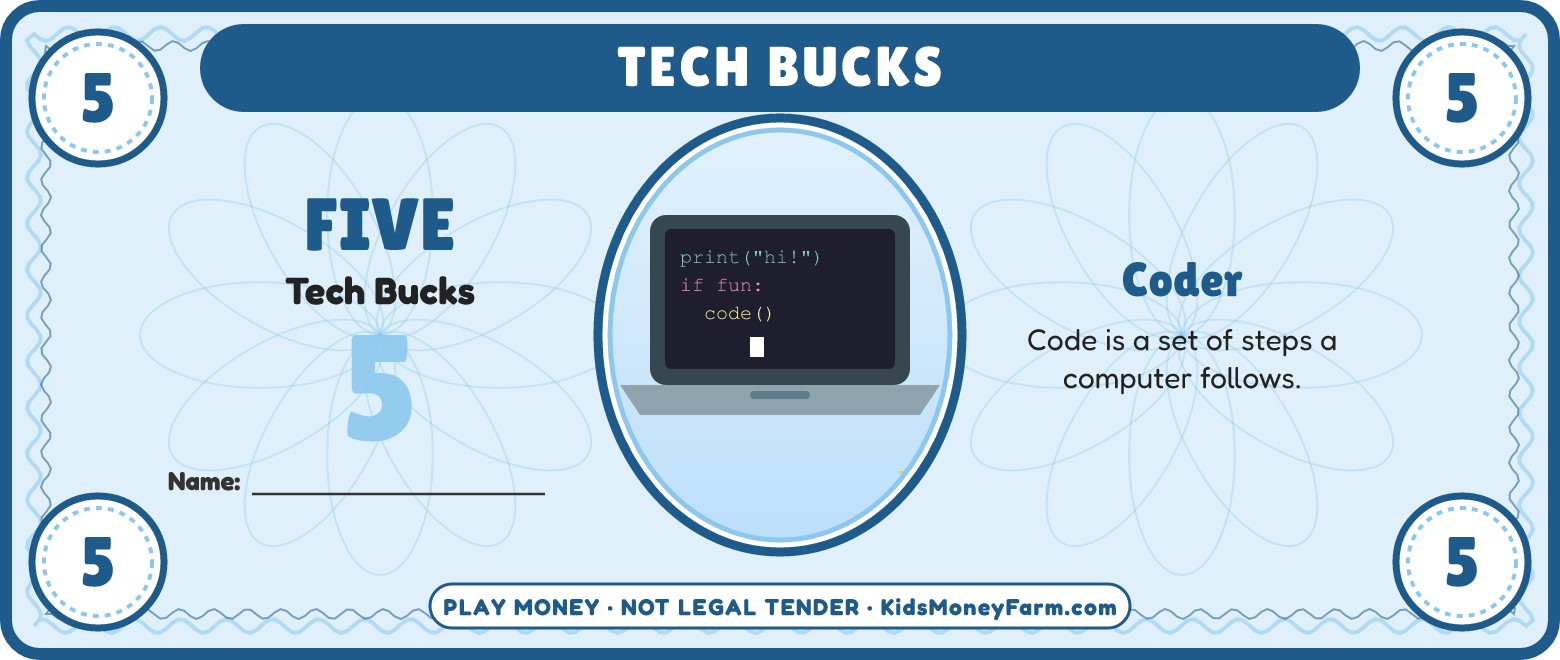
| $5 | Coder | Code is a set of steps a computer follows. |
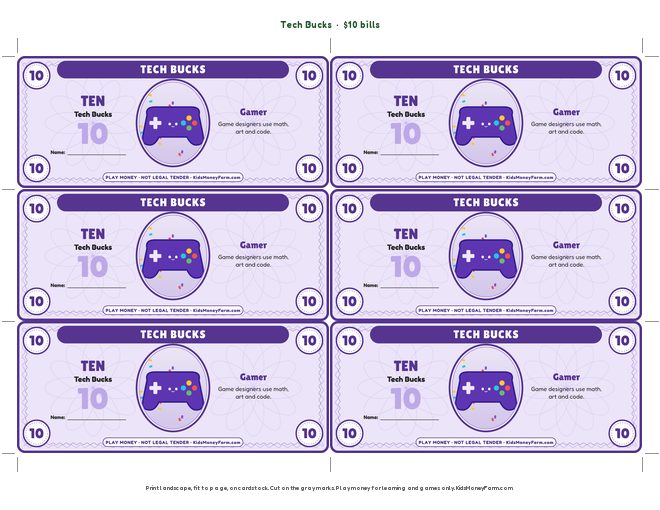
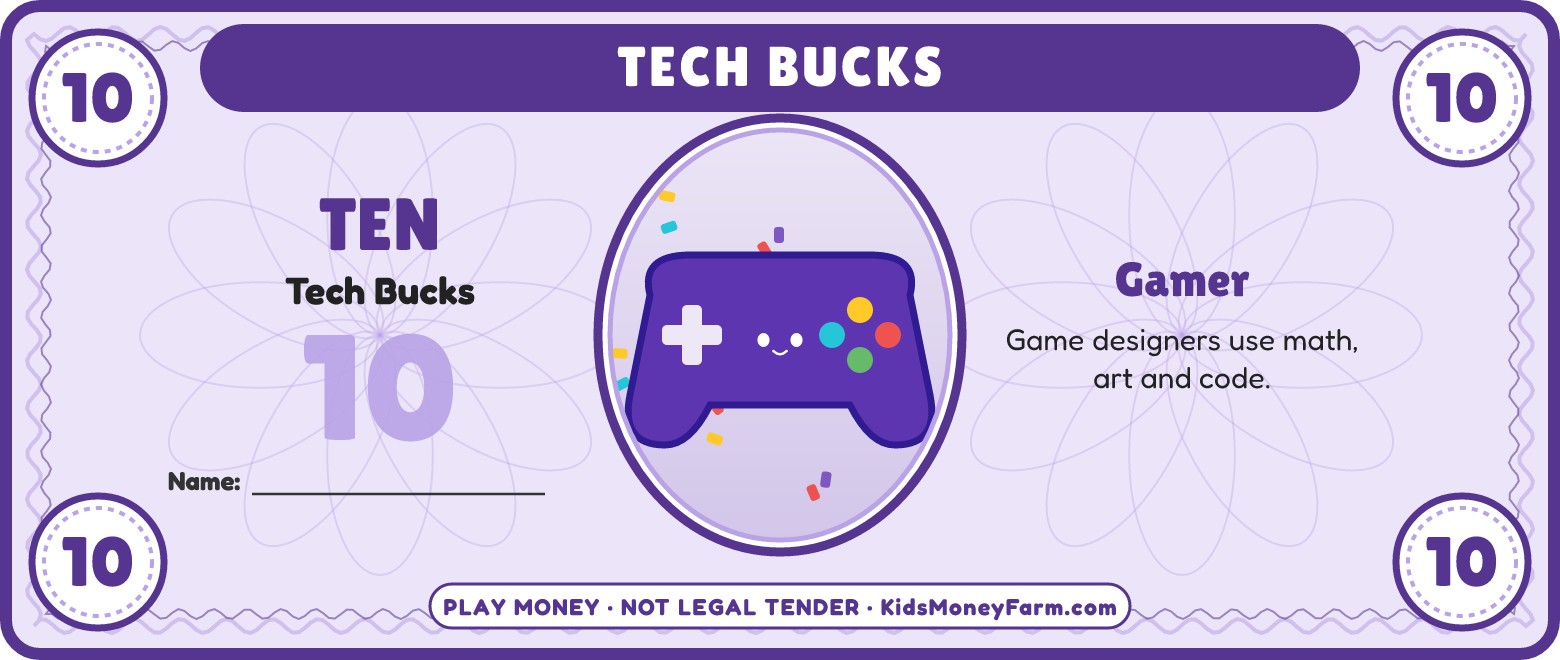
| $10 | Gamer | Game designers use math, art and code. |
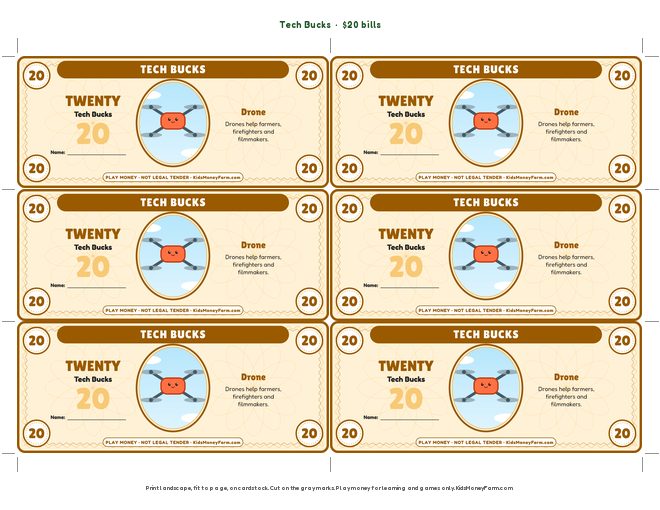
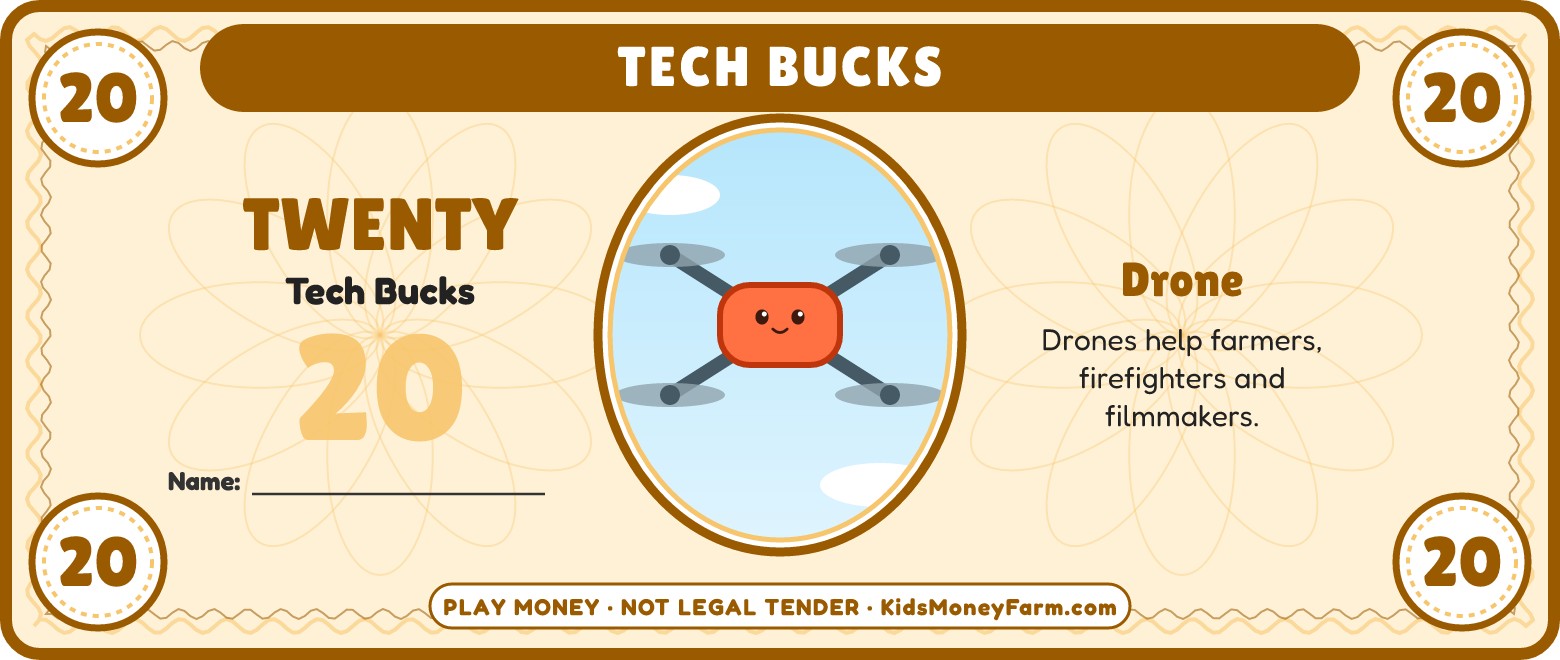
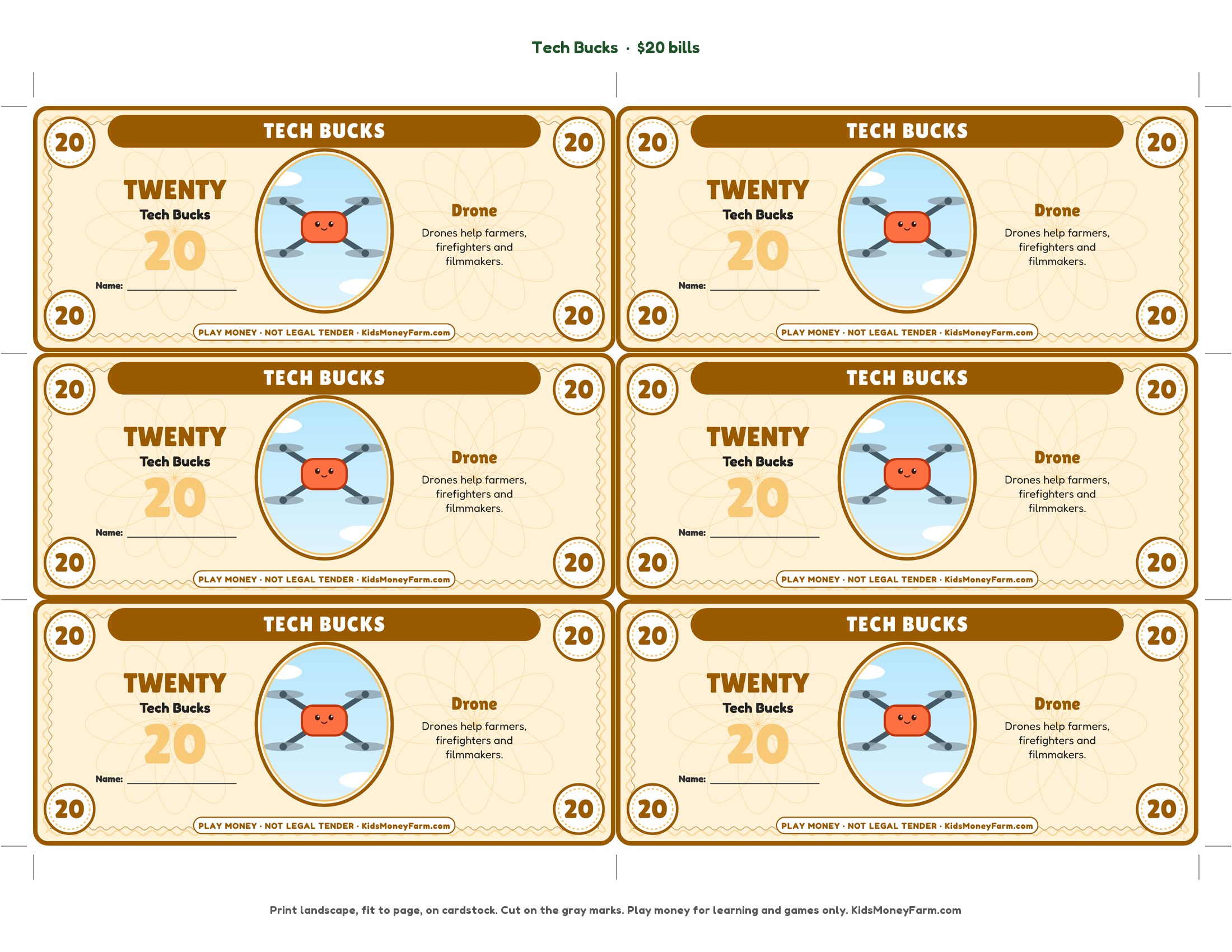
| $20 | Drone | Drones help farmers, firefighters and filmmakers. |
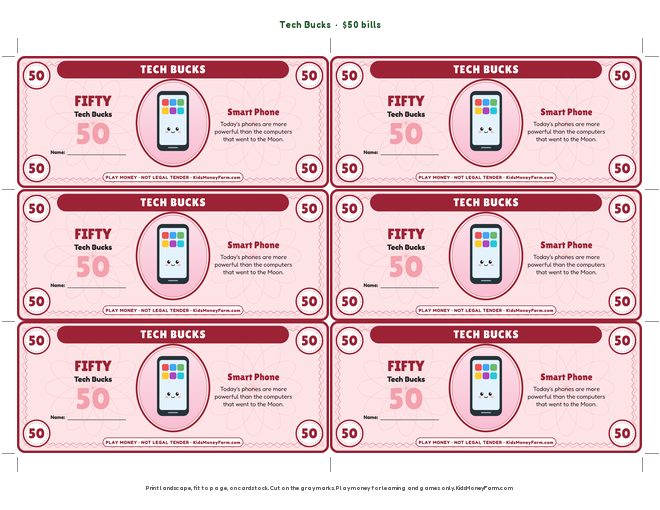
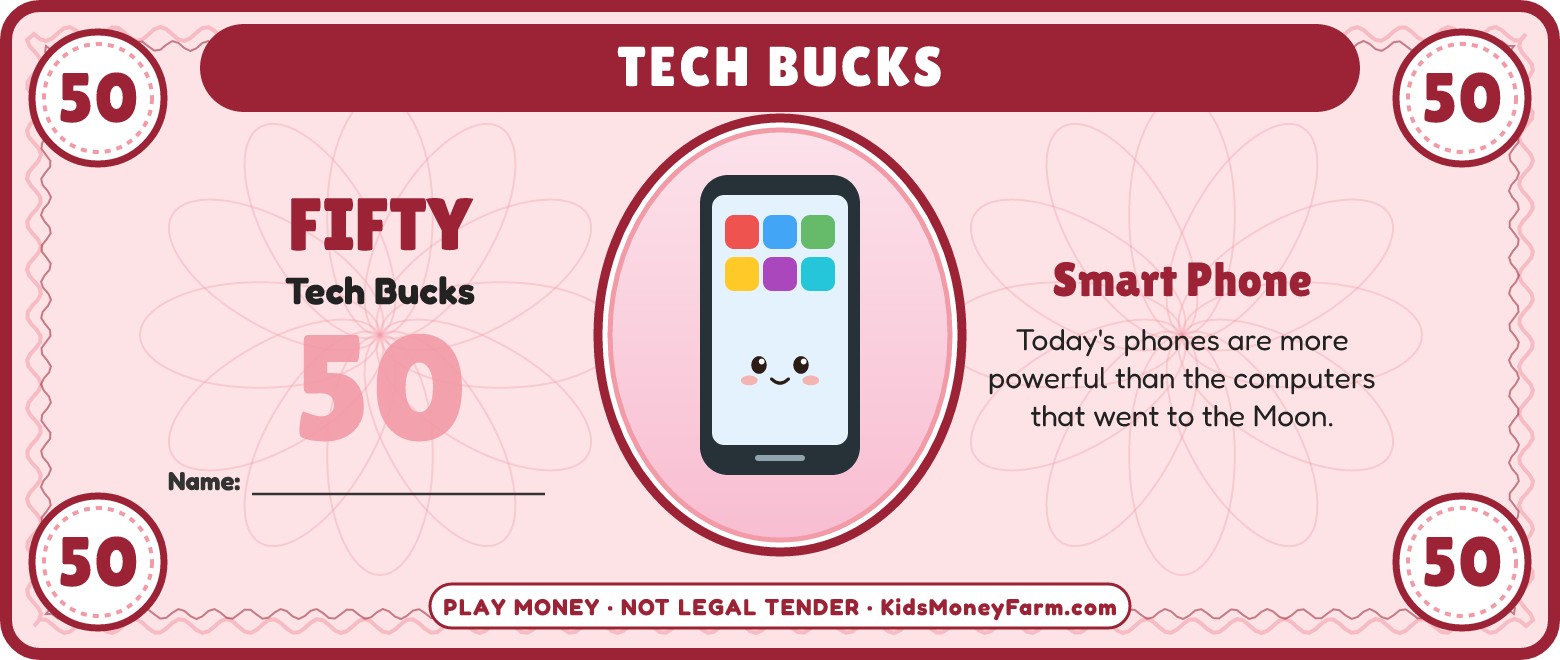
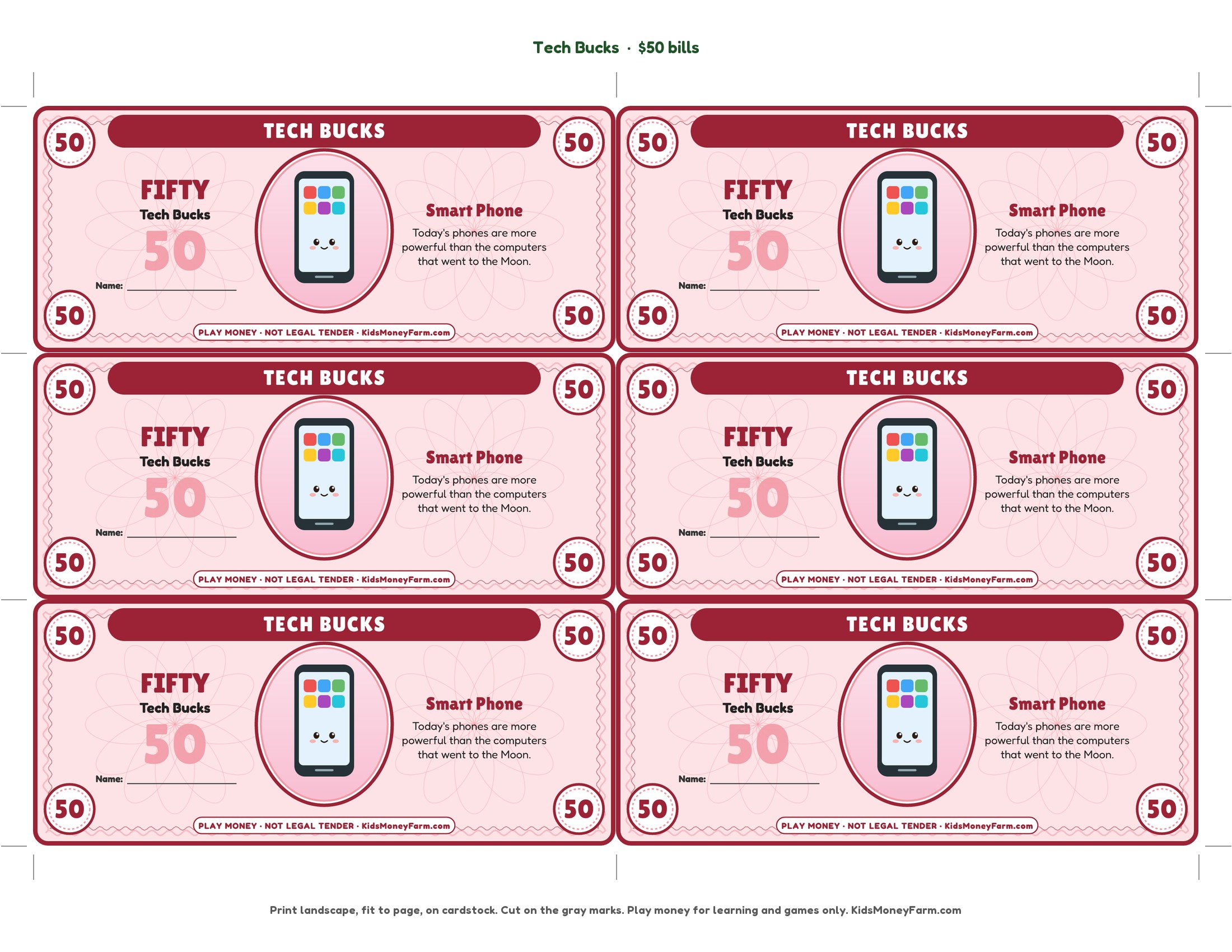
| $50 | Smart Phone | Today's phones are more powerful than the computers that went to the Moon. |
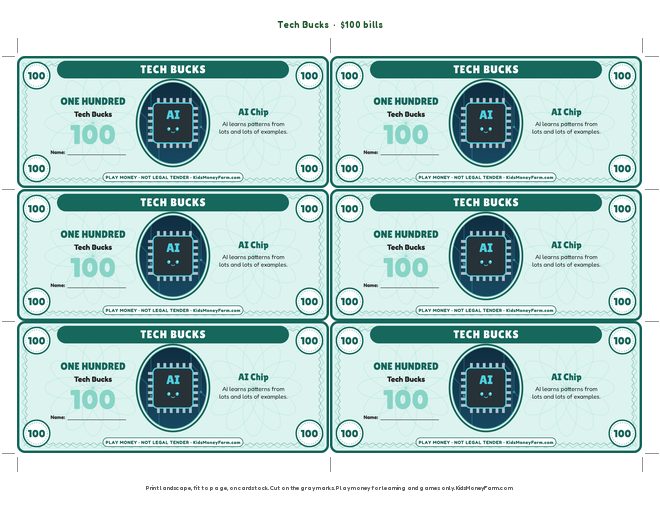
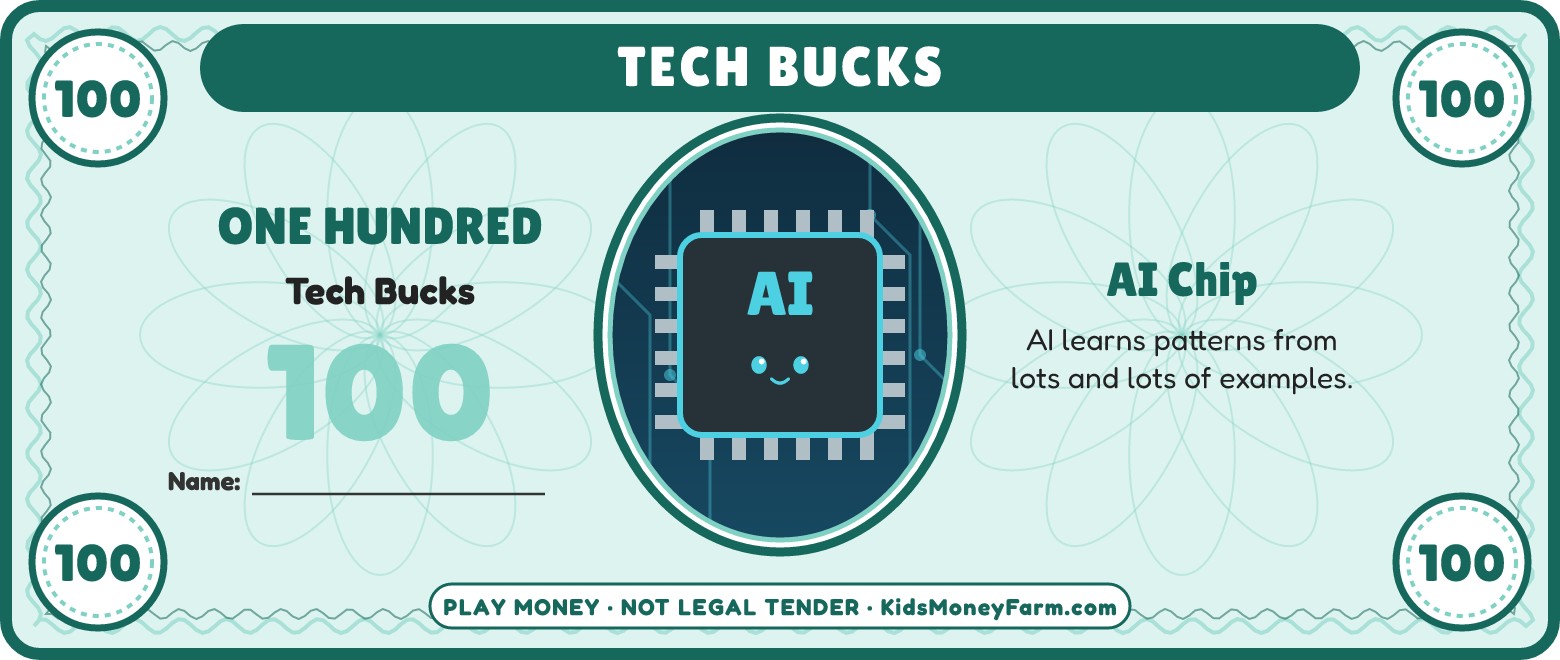
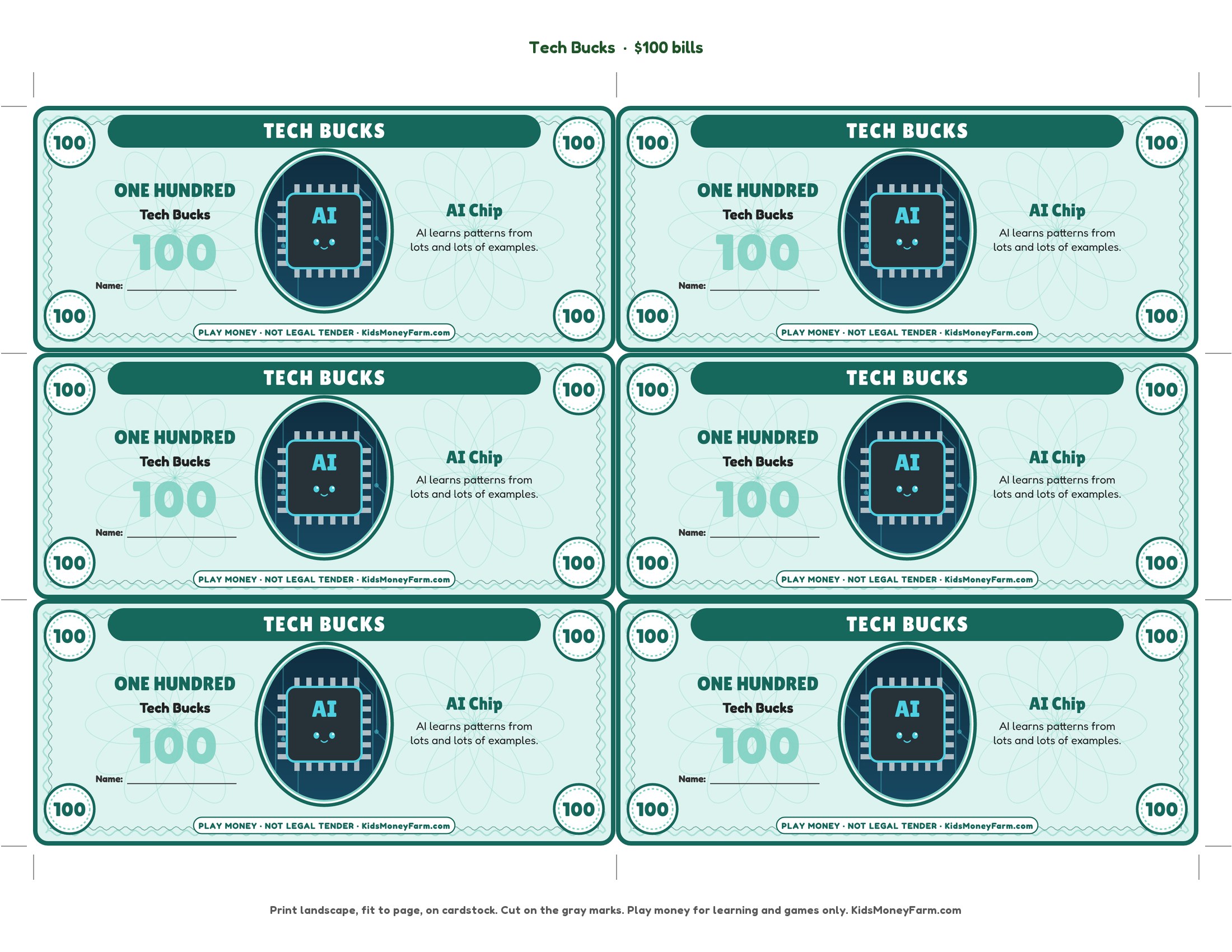
| $100 | AI Chip | AI learns patterns from lots and lots of examples. |
Same colors as all of our new sets: green $1, blue $5, purple $10, orange $20, pink $50, teal $100. Kids learn values by color.
Both files have a typing box on the Name line of every bill. Click next to “Name:” and type a student's name, your class name, or what the bill was earned for, then print. The Word file also opens in Google Docs and Pages; the PowerPoint opens in Google Slides and Keynote.
High-resolution JPGs (300 dpi) for slides, newsletters, class store signs, or printing one bill at a time.
More ideas: 12 play money games and how to run a classroom economy.
No. It is an original design, so there are no brand logos.
Yes. The PowerPoint version has a name box on every bill.
Yes. Free for home, classroom, church and homeschool use. Please do not resell them.
Each bill is 5.2 by 2.2 inches, the same long shape as a real dollar at about 85% of its size. Six fit on a landscape page. Print at Actual Size on cardstock.
PDF or JPG to print as-is. Word or PowerPoint if you want to type names on the bills first.
Cartoon Jesus, Moses, Noah, David, Esther and Daniel, with a Bible verse on every bill.

Soccer, basketball, baseball, football, pickleball and a champion trophy.

Rockets, astronauts, planets and a fun space fact on every bill.

Retro 8-bit video game style money: hearts, coins, gems and crowns.